Do not let time slip away
Set a session limit for an app. When time is up, HeiLock locks it automatically, trading mindless scrolling for a more conscious pause.
 HeiLock
中文
HeiLock
中文
HeiLock
HeiLock helps you manage app time. When it is time to stop, a familiar photo or a favorite video is there to help you pause, gently.

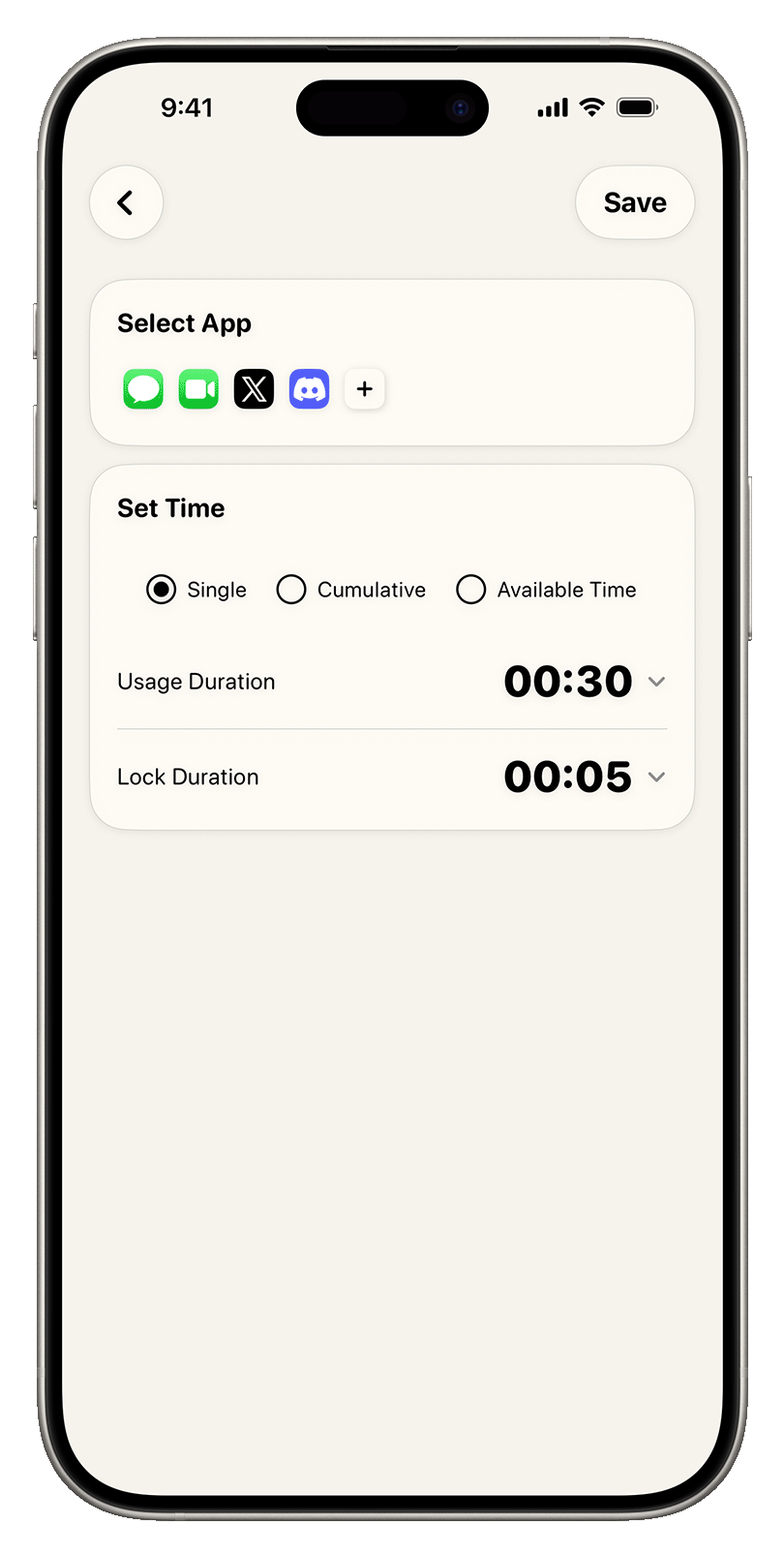
Set a session limit for an app. When time is up, HeiLock locks it automatically, trading mindless scrolling for a more conscious pause.
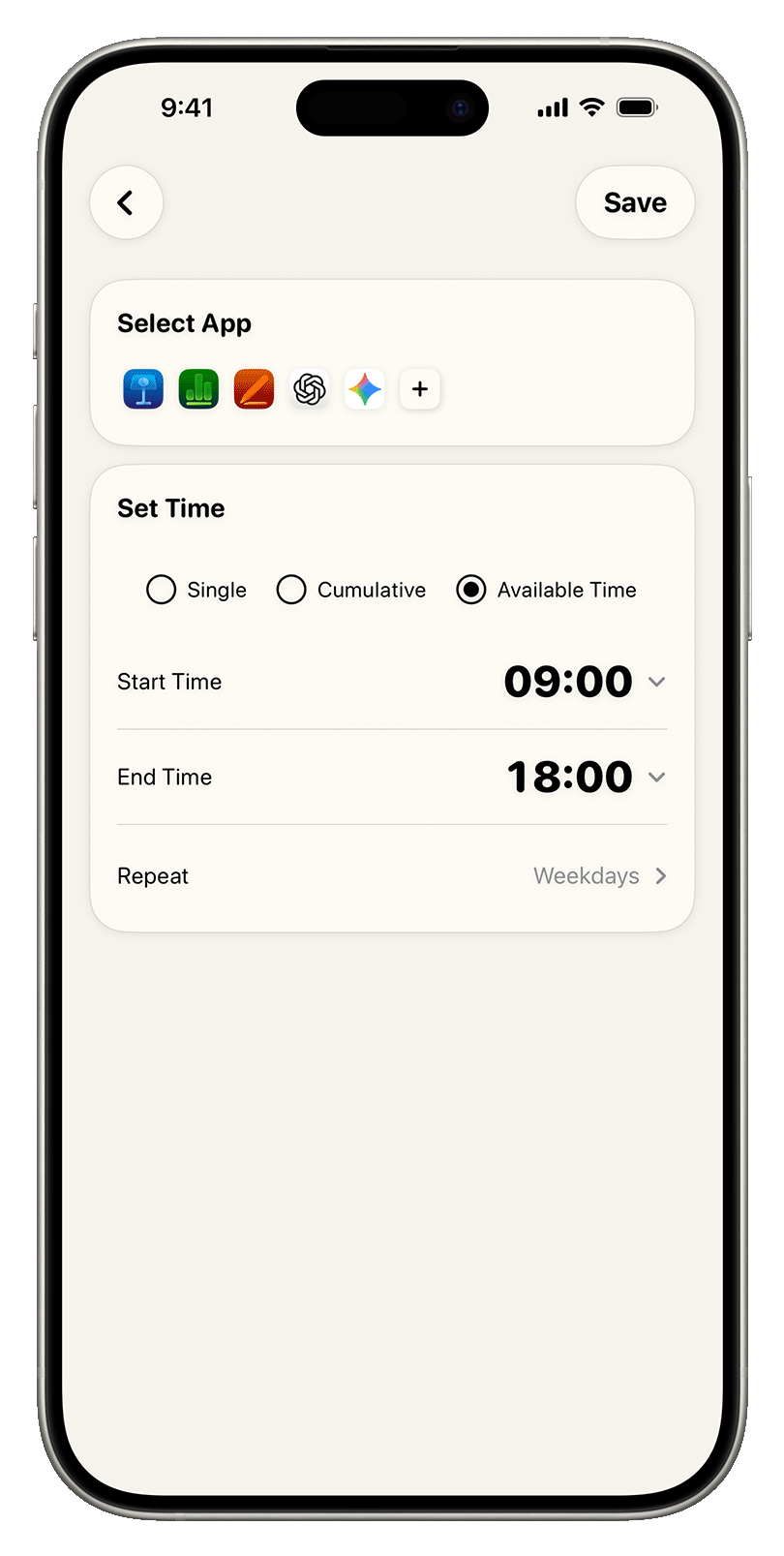
Choose when an app is available. Work, study, and rest can each have their own boundary.
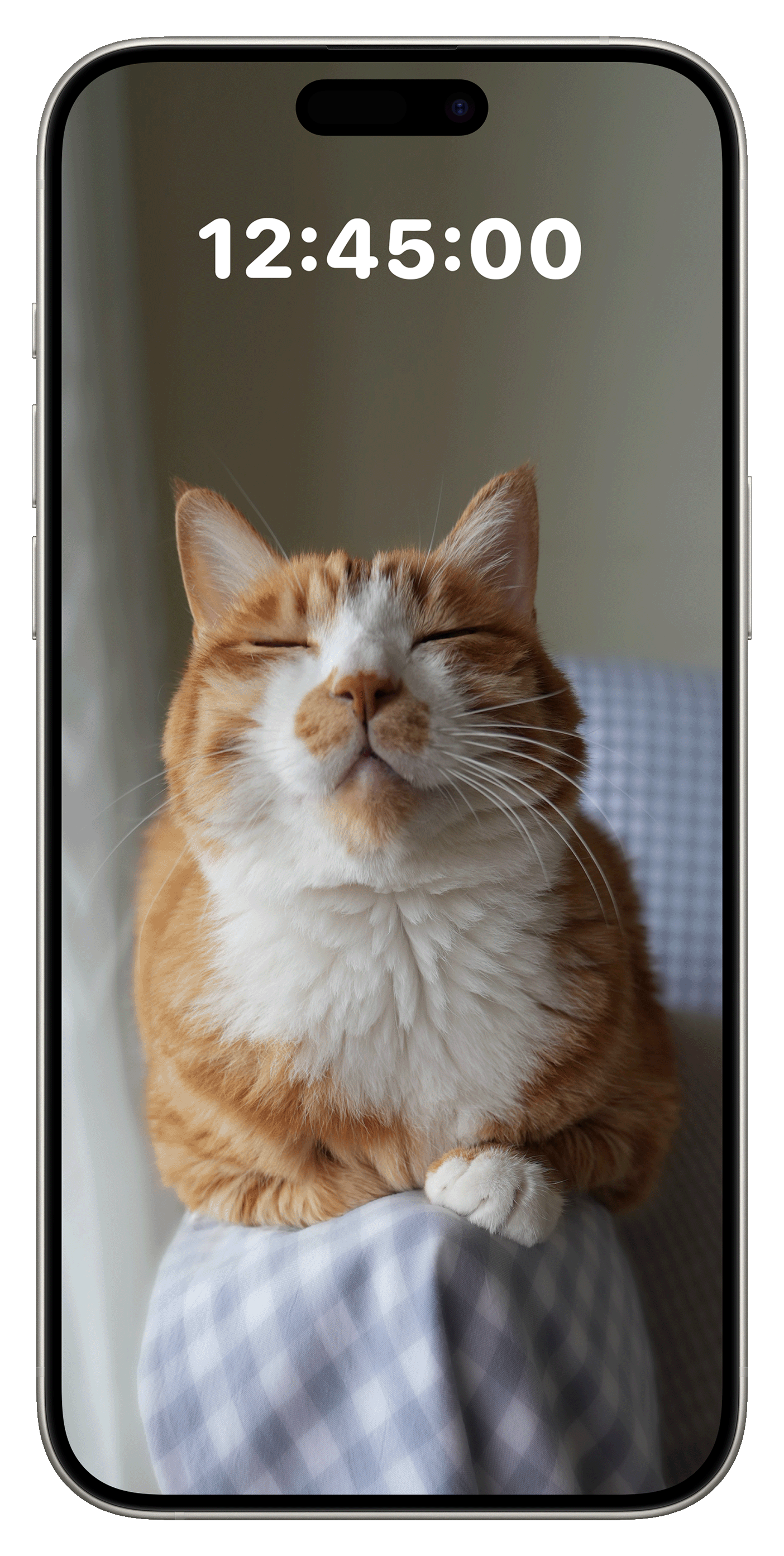
Choose a photo or video you love for the lock screen. When the limit takes effect, something familiar helps you stop for a moment.
Customize and preview the photo or video that appears after an app is locked. Added apps, usage time, and lock status are brought together on the home screen for one-tap management.
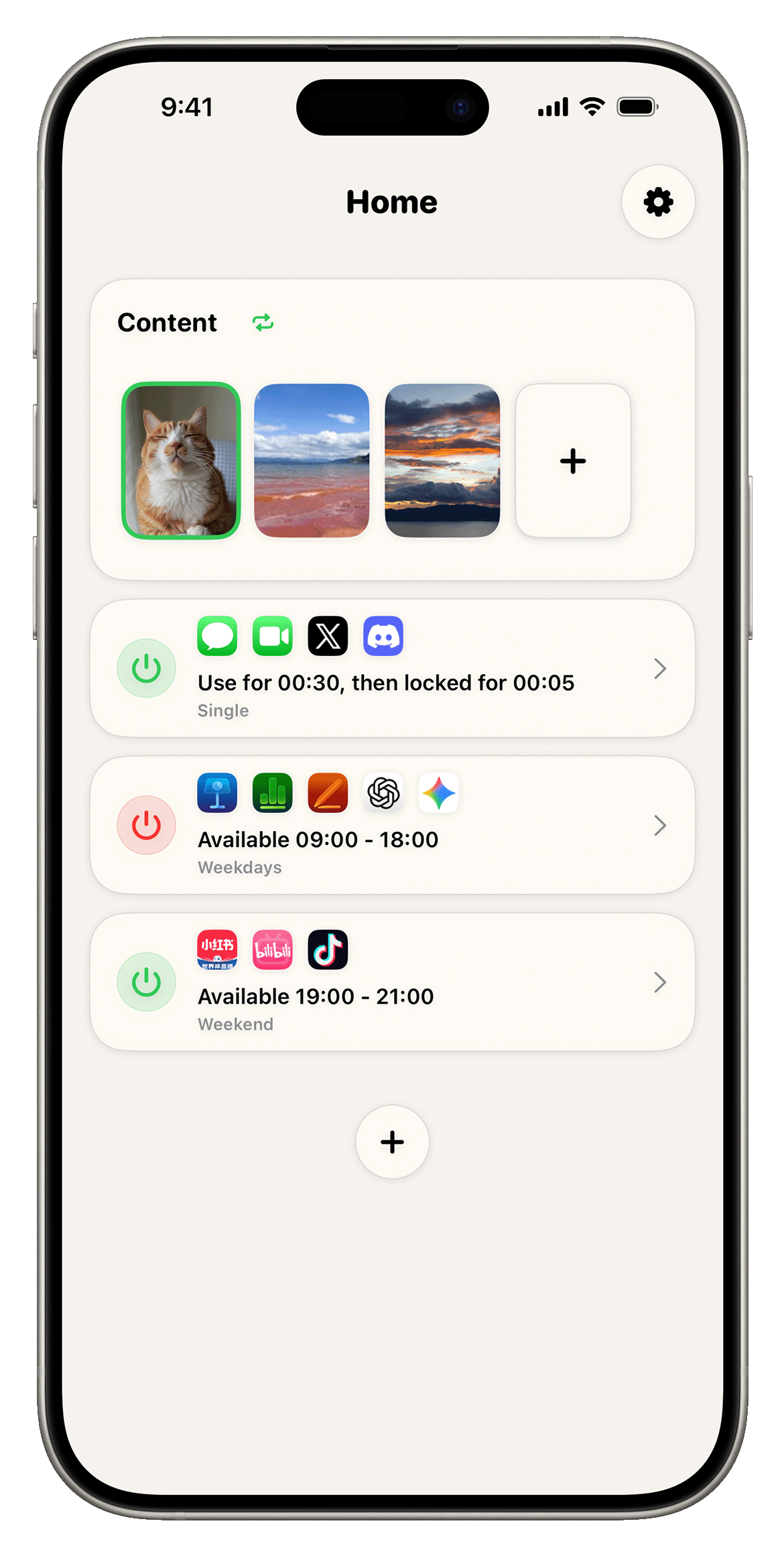
Use session limits for quick entertainment. Use schedules for work, study, bedtime, and the hours that need more structure.
HeiLock gives you several easy ways to shape app time around real life.
When the selected time is reached, the app locks automatically, a gentle cue to pause.
Use apps only within the windows you choose, so every part of the day has its place.
The locked countdown screen can show the photo or video you choose. Keep one image, play one video, or let photos and videos cycle. HeiLock adjusts the text color to keep the timer clear, so the pause feels natural.
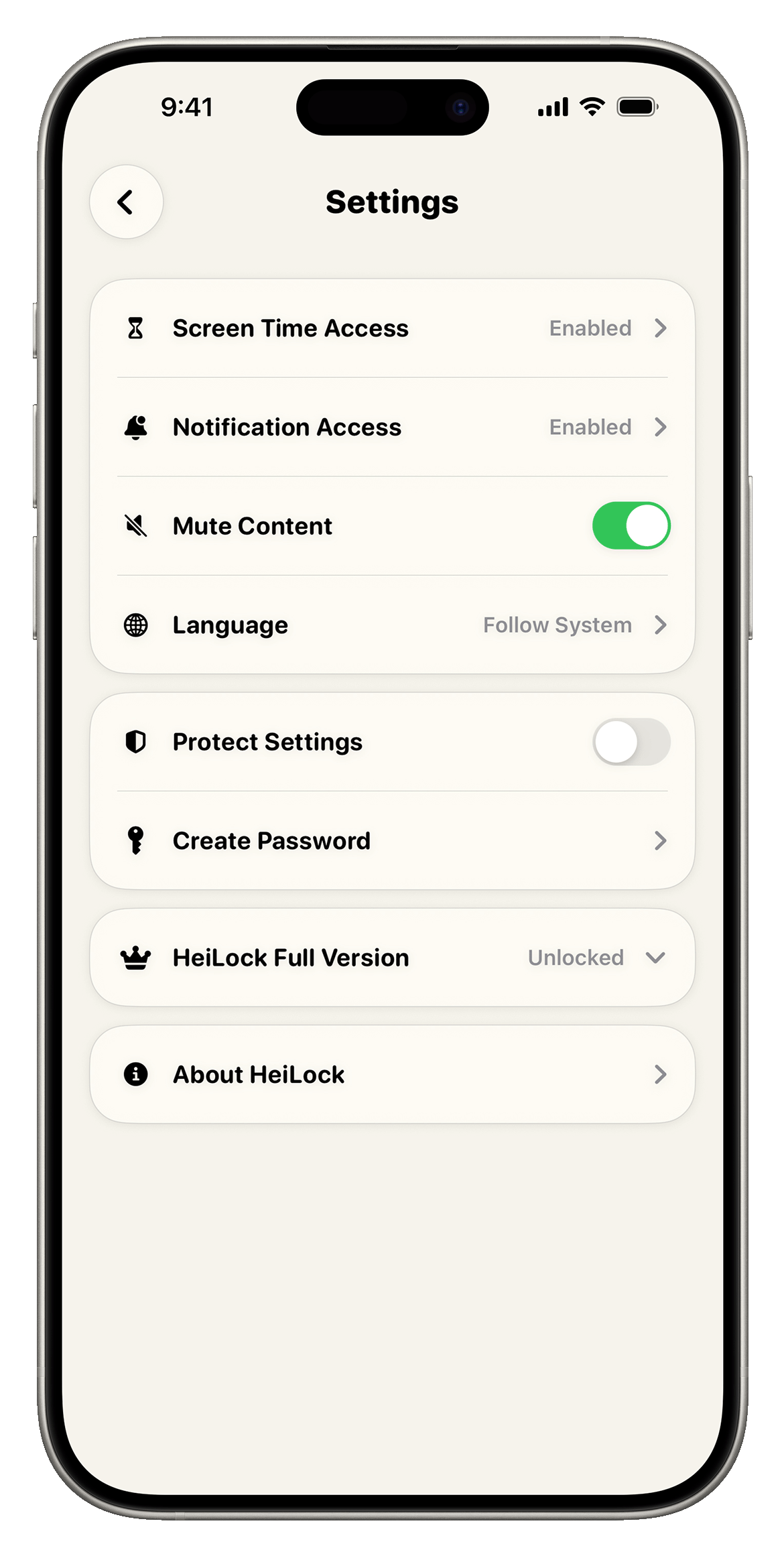
Choose whether display content starts muted, and protect saved settings with a password. Adjust the details around your own habits.
HeiLock Full Version
Unlock the full version to turn favorite photos or videos into personal reminders, manage more apps, and add password protection so your setup stays yours.